Quotes and invoices
Write, number, send. An accepted quote becomes an invoice with one click.
- Consecutive numbers
- Customer VAT ID and reverse charge per document
- Issued invoices cannot be deleted
Invoicing for self-employed people and small businesses in Austria. Write quotes and invoices, send them as PDFs in your own design and always see what is still outstanding.Invoicing for self-employed people and small businesses in Austria. Write, send as PDF, see what is outstanding.
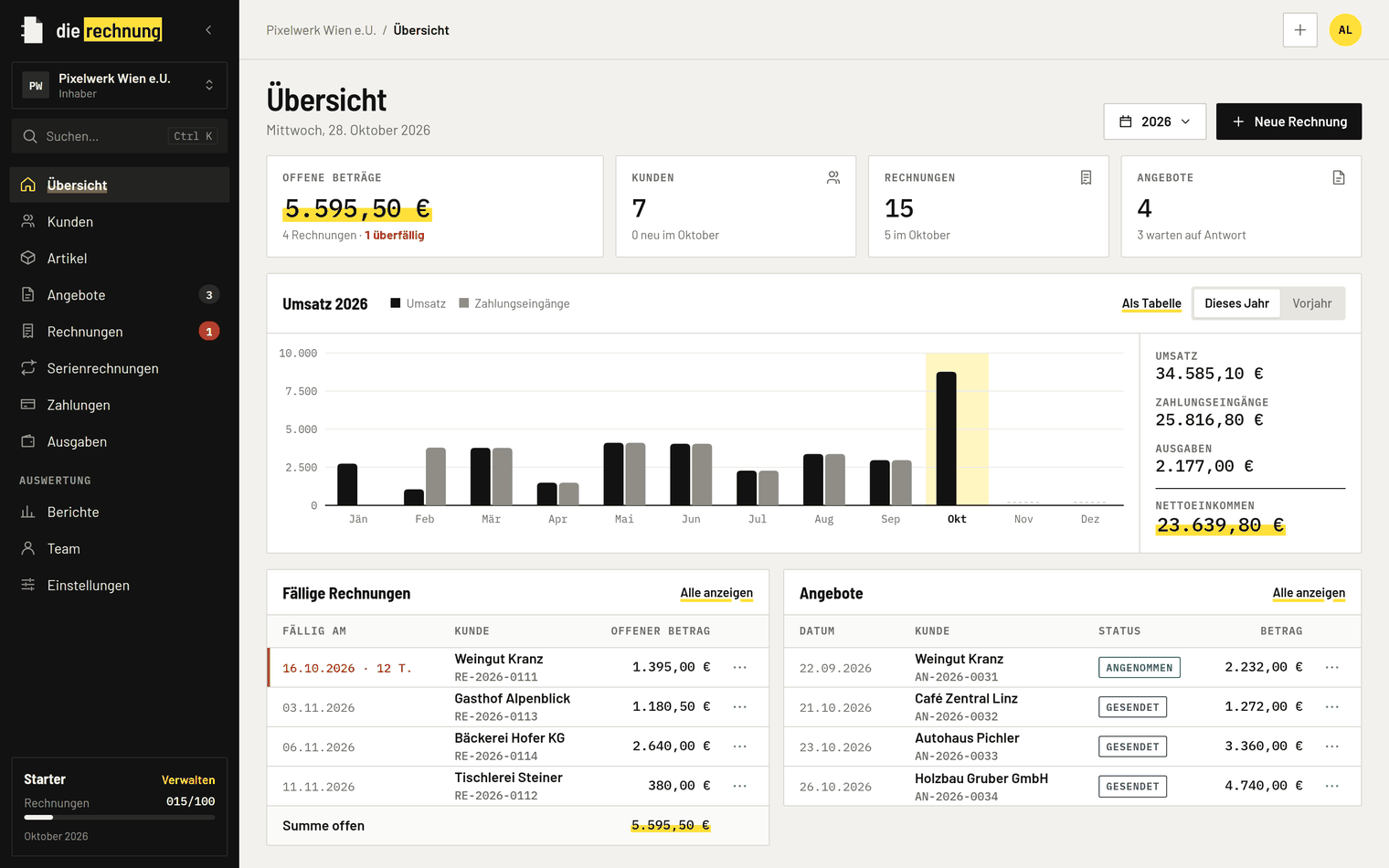
Outstanding · October
5.595,50 €
4 invoices · 1 overdue
Features
Six things the app already does well today.
Write, number, send. An accepted quote becomes an invoice with one click.
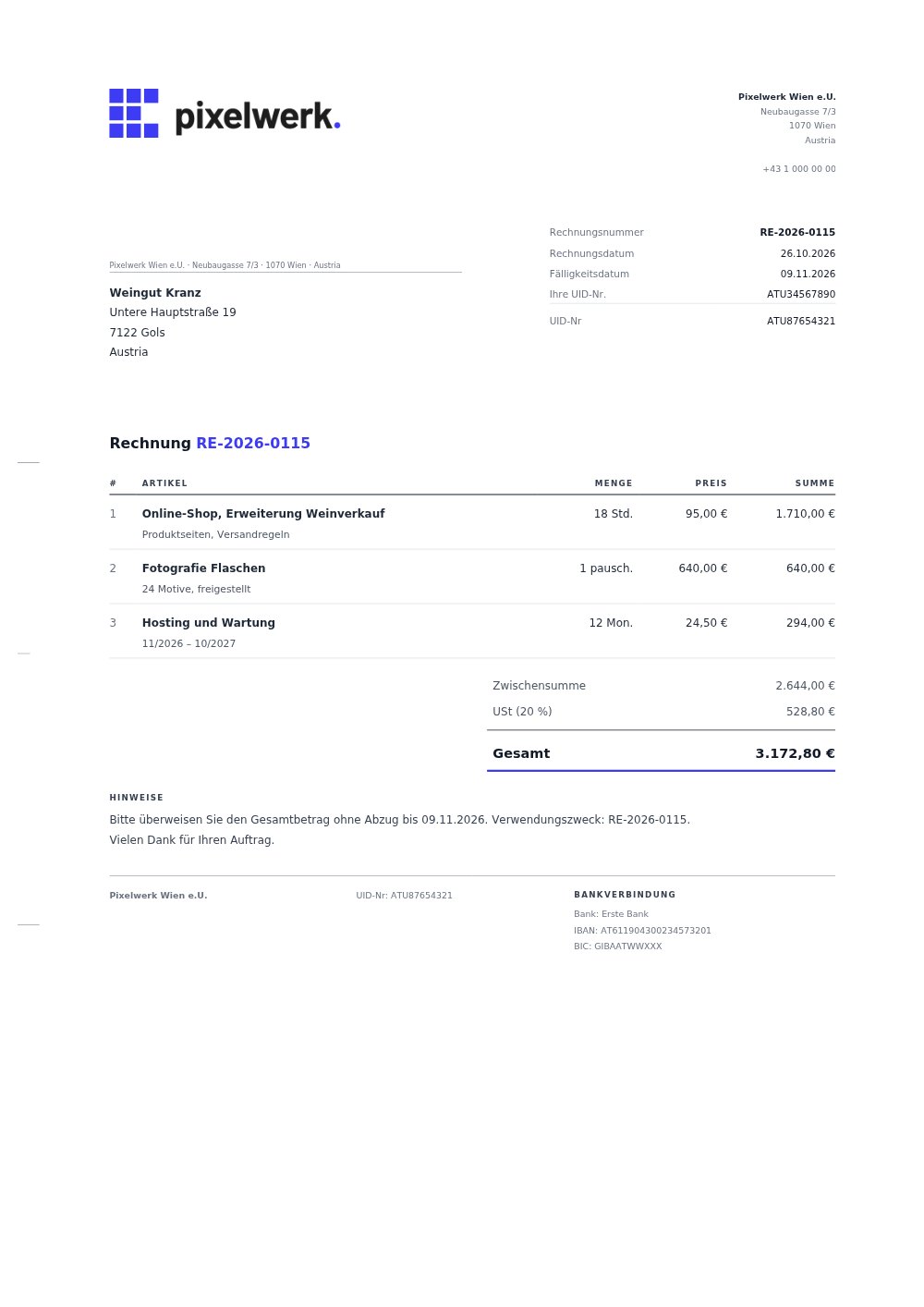
Your logo, your colour, your texts. Nine layouts from minimal to a DIN 5008 letter, one default per document type.
Design Studio on larger plans
Send invoices by email and see what has been sent, viewed, paid or is overdue.
Record incoming payments against invoices, also in parts. The outstanding amount per invoice and customer is always right.
Customers with addresses, VAT ID and contact details. Your team works with fixed roles.
More users on larger plans
Every company is strictly separated from all others. Daily encrypted backup in the EU.
In detail
How it works
The setup only asks for what has to be on your invoices. Everything can be changed later.
Name, email, company name, password. Then confirm the link in the email.and confirm the link in the email.
Address, VAT number, bank details and logo. Every step can be skipped.Address, VAT ID, bank, logo. Can be skipped.
Add customers, enter line items, check the PDF and send it by email.as a PDF by email.
Plan
Every new account starts for free. For more invoices, more users, recurring invoices or the Design Studio there are larger plans. Write to us.
Log in| Invoices per monthInvoices / month | 20 |
|---|---|
| Quotes per monthQuotes / month | 10 |
| Customers | 25 |
| Users | 1 |
| Sending by email | 20 / month |
As of 29.11.2026. Limits can change; we announce changes in advance.Larger plans on request. As of 29.11.2026.
Log in